
Hardware Refresh
Seamless Windows 10 upgrades with minimal downtime and full lifecycle support.
PC Refresh
Seamlessly update your hardware and software with minimal downtime.
In-Place
Upgrade Windows 10 to 11 with readiness checks and basic support.


Wipe & Load
Back up data, wipe drives, and install fresh Windows 11 images.
Ideal for PCs not compatible with Windows 11 needing a fresh start.
Hardware Swap


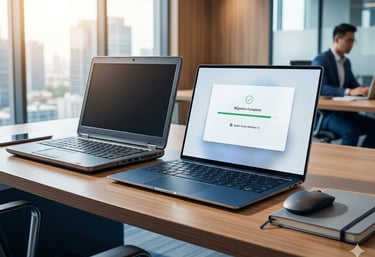
The Compliance Gap: Why Windows 10 is Your Biggest Liability
Under the Ohio Data Protection Act, businesses that implement a recognized security framework qualify for 'Safe Harbor'—a critical affirmative defense that shields your organization from liability following a data breach.
However, this protection is contingent on maintaining a demonstrably secure environment. With Windows 10 support ending in October 2025, staying on legacy hardware doesn’t just mean a slower computer—it means your legal and insurance safety nets effectively disappear. Without active security patches, you lose your Safe Harbor status and your protection against negligence claims."
The Windows 10 Critical Risk
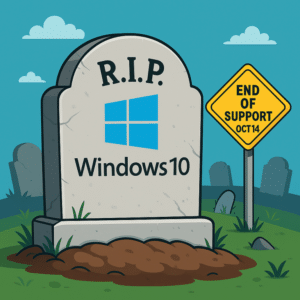
Once Windows 10 reaches its End-of-Life (EOL), Microsoft will stop providing free security patches. This creates an immediate "Security Gap":
Insurance Denial: Carriers may skyrocket premiums or outright deny claims if you are operating on unsupported, unpatched hardware.
Negligence Liability: If a breach occurs on an EOL system, your business could be held legally liable for "negligence" because you failed to provide "Due Care" standards.
The "Permission" Tax: Staying on Windows 10 means paying Microsoft roughly $61/device annually just for basic security patches—a fee that doubles every year.
FAQs
What is a "PC Refresh" and why is it necessary now?
A PC Refresh is the strategic process of updating or replacing your organization's computer hardware and software. While usually done for performance, it is currently a critical priority because Windows 10 support ends in October 2025. After this date, these systems will no longer receive security patches, leaving your business vulnerable to cyber threats and legal liability.
How do you minimize downtime for my team?
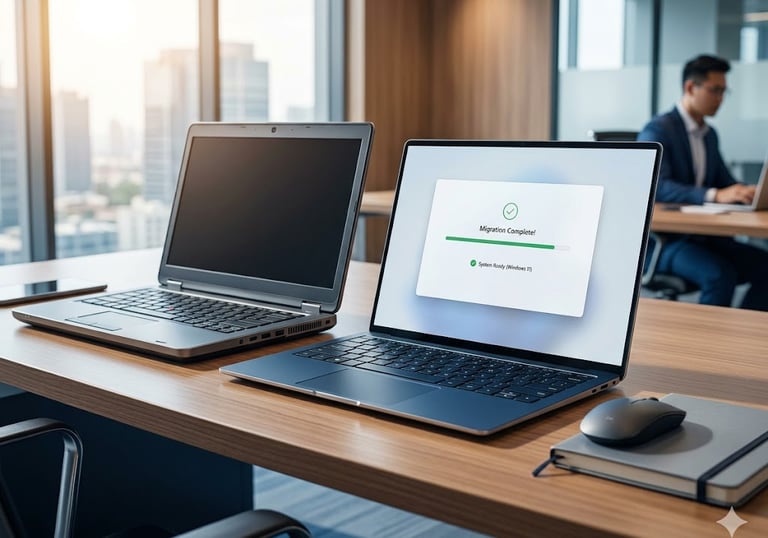
We utilize a Zero-Interruption Deployment strategy. By pre-imaging, provisioning, and managing user data transfers at our facility before the hardware ever reaches your office, we ensure that the actual "swap" at a user’s desk takes minutes, not hours. For software upgrades, we perform readiness checks and background migrations to ensure your team stays productive and their data is ready for use the moment they log in.
Can I just keep using Windows 10 if my computer works fine?
Technically, yes—but it is a significant risk. Operating on "End-of-Life" software often voids cyber insurance policies and strips away your Safe Harbor legal protections under the Ohio Data Protection Act. Additionally, Microsoft will charge an escalating annual "Permission Tax" just to provide basic security patches for legacy systems.
What happens to our data during the transition?
Data integrity is our top priority. Whether we are performing an In-Place Upgrade or a Hardware Swap, we utilize encrypted "Data Vaulting" to ensure every file, email, and setting is backed up before the process begins. Once the new system is live, we verify data migration so your team can pick up exactly where they left off.
How does a PC Refresh help with "Safe Harbor" compliance?
To qualify for Safe Harbor (which shields you from certain lawsuits after a breach), you must prove you maintain a secure environment. Modernizing to Windows 11 ensures your hardware supports advanced encryption and active security patches—the "Due Care" standards required to maintain your legal affirmative defense.
Is a PC Refresh tax-deductible?
In many cases, yes. Under Section 179, businesses may be able to deduct the full purchase price of qualifying equipment and software purchased or financed during the tax year. This allows the government to essentially subsidize your security modernization, turning a compliance necessity into a financial advantage.
Get in Touch
Reach out for your PC refresh needs today.


The upgrade was smooth with almost no downtime—our team was back to work faster than expected.
J. Lee


★★★★★